2026-10-25 · 7 min read
Pocket Metropolis: How the 5x5 Tabletop City Builder Works
Pocket Metropolis is a tabletop city builder for MR and VR — place tiles on a 5x5 board to balance population, power and mood.
By AeternusVita
“Pocket Metropolis is a tabletop city builder for MR and VR — place tiles on a 5x5 board to balance population, power and mood.”
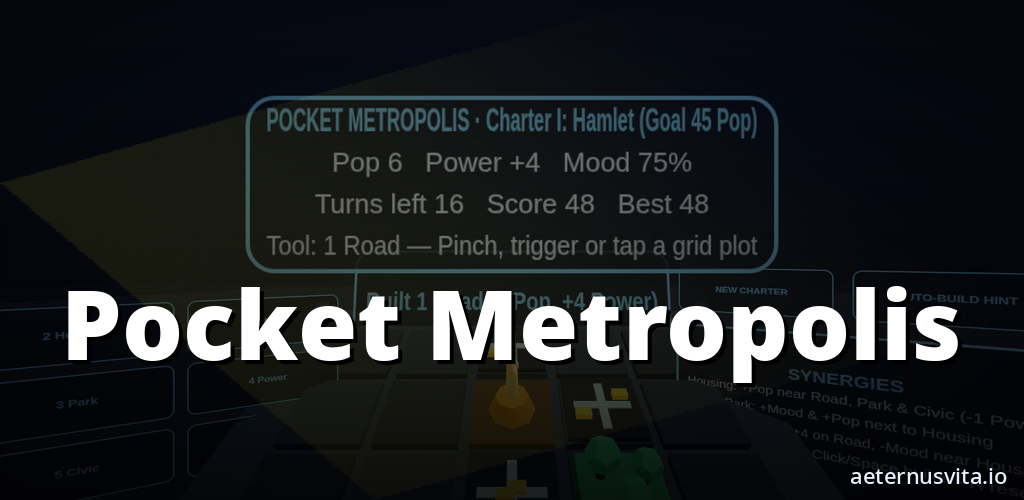
Pocket Metropolis turns your table into a small, living city diorama. You build on a 5x5 grid that sits on a plinth in front of you, choosing where to place roads, housing, parks, power spires and civic plazas. Each tile changes the streets around it, so the challenge is finding an arrangement that keeps population growing, the grid powered and citizens in a good mood.
It is coming soon on aeternusvita.io. You can visit Pocket Metropolis to get notified when it is ready. This guide explains what it is, how a turn works and who it suits, using only the official brief and store copy.
What Pocket Metropolis is
Pocket Metropolis is a compact, turn-based city builder from aeternusvita.io for mixed reality and seated VR. The pitch is simple: snap road, housing, park and power tiles onto a tabletop diorama grid.
The board is a 5x5 plinth built for passthrough MR and seated VR. It sits at a comfortable desk height, so you can play seated or standing with no artificial locomotion.
It is designed for teens and adults aged 13 and over who want a relaxed, tactile strategy builder. A typical Charter run takes 3 to 8 minutes, with a free sandbox mode afterwards.
Pocket Metropolis is planned for Meta Quest 2, 3 and 3S, Android XR, the web and as a Chrome extension. On the web it runs in its own Chrome tab and works offline, with an Enter VR option if you have a WebXR headset connected. Builds exist for Quest and Android XR, but nothing has been submitted to a store yet.
The board: 25 plots on your table
Everything happens on 25 plots. You never need to scroll a large map or walk around a room. You can see the whole city at a glance and reach every cell.
In mixed reality the plinth sits on your real table, so the city feels like a miniature on your desk. In seated VR the same plinth appears in front of you at the same height. Each tile type has a distinct silhouette that reads in both Quest 3 colour passthrough and Quest 2 greyscale passthrough: stepped towers for Housing, domed trees for Parks, an angled spire for Power, flat striped lanes for Roads and a beacon obelisk for the Civic Plaza.
Connected road tiles carry small commuter shuttles that pulse along the lanes, so you can see which districts are linked.
The six district tools
A floating palette beside the plinth holds six tools:
- Road — links districts and carries commuter shuttles. Roads help nearby Housing and Civic Plazas contribute more population.
- Housing — adds population. Housing grows when placed next to roads, civic plazas and parks, and it consumes grid power.
- Park — lifts citizen mood and buffers housing from nearby power spires.
- Power Spire — a solar-wind spire that supplies power to the grid, with a small mood cost if placed right next to Housing without a park in between.
- Civic Plaza — boosts both population and mood when powered and linked to a road.
- Bulldoze — clears a plot so you can try a different layout.
You pick a tool, then pinch, tap or click a plot on the 5x5 plinth to place it. The result updates straight away.
How adjacency works
Pocket Metropolis is about neighbourhood synergies. Every placement resolves its effect on the tiles around it immediately, so you can see how population, power and mood shift with each decision.
Housing is the main source of population. A housing tile adds to your total on its own and adds more when it sits next to a road, a civic plaza or a park. Each housing tile also consumes one unit of grid power, so you cannot fill the board with housing without keeping the grid supplied.
Parks raise mood and buffer housing from power spires. A park adds a mood boost on its own and a little more for each adjacent housing block. That buffer matters because a spire placed directly beside housing without a park between them causes a slight dip in mood.
Power Spires keep net power positive. Each spire adds power to the grid, which you need because housing and civic buildings draw from it. Finding a spot where a spire powers the grid without dragging mood down is part of the puzzle.
Roads add population for nearby housing and civic tiles and show their connections with animated commuter pulses. A Civic Plaza gives a solid lift to both population and mood when it has power and a road connection.
Because the grid is only 5x5, no tile stands alone. A park in a corner might be more useful buffering a spire in the centre, and a road that links two housing blocks now might be better placed to connect a civic plaza later.
Charter milestones and sandbox mode
There are two ways to play: a structured 18-turn Charter and an open-ended sandbox.
The Charter asks you to meet three milestones in order — Hamlet, Borough and then Pocket Metropolis itself — within eighteen turns. You do that by balancing population growth, positive net power and citizen mood.
The final Charter target is 180 or more population, mood at 70 percent or higher and net power at zero or above. If you run out of turns or mood falls below 25 percent, the charter ends with a score breakdown and you can start again straight away.
A full Charter run is short, around 3 to 8 minutes, so you can try a different opening. Once you have completed the three milestones you can keep building in free sandbox mode. The Chrome edition saves your best score in local browser storage.
That gives you a clear goal when you want one and a relaxed mode when you just want to arrange the diorama.
How you control it
On Quest and other WebXR headsets you point at a tool or grid cell and pinch or pull the trigger to place. Hand pinch, VR controllers and eye or head gaze are all supported, with head gaze as a fallback on Quest 2. Pressing the secondary button or choosing New Charter resets the board.
On desktop or a phone you drag to look around, use WASD or a touch stick to orbit, and click or tap a tool and then a grid cell. On desktop the number keys 1 to 6 also select tools. In the Chrome tab edition you drag to look, click to choose tools and plots, and choose Enter VR if a headset is connected.
There is no smooth locomotion. The plinth stays at desk height and you build plot by plot. The Chrome edition runs without accounts, ads or analytics.
Who it suits
Pocket Metropolis suits players who like small, readable strategy puzzles rather than sprawling simulations. If you enjoy turn-based placement and adjacency planning, this tabletop format will feel familiar — you can count neighbours, spot where a park would help most and judge whether you have enough power for the next housing block.
It also suits mixed reality players who want something they can play seated at a desk without clearing a room. The short Charter means you can fit in a run between other tasks, and the sandbox gives you space to keep refining a city afterwards.
It is built for teens and adults who prefer a calm, tactile builder with clear visual feedback. The high-contrast silhouettes mean you do not need perfect colour passthrough to read the board on Quest 2 or Quest 3.
If you prefer fast action or large maps, this focused 25-plot puzzle that rewards careful placement over rapid expansion may not be what you are looking for.
Coming soon: get notified
Pocket Metropolis is coming soon. The product page is the place to follow its progress.
Visit Pocket Metropolis to read the latest listing and get notified when it is available. That page will have the launch details once they are confirmed.
In short: a 5x5 diorama, six district tools, immediate adjacency effects for population, power and mood, three Charter milestones within eighteen turns, and a free sandbox. Each turn asks where this tile helps most. Keep an eye on Pocket Metropolis to hear when you can try it.
Related articles
2026-10-25 · 7 min read
Bot Garrison: How Tabletop Tower Defence Works on a Painted Table
What Bot Garrison is and how its tabletop tower defence, crafting and creature evolution work.
Read article →2026-10-25 · 6 min read
Color Tunabee: Colour a Page and Watch Your Colours Walk the Room
How Color Tunabee turns a hand-coloured page into a character that walks your room in those colours.
Read article →2026-10-25 · 7 min read
Dead Biomes: how a VR wave shooter works across five shelters
How Dead Biomes works — choose a shelter, scavenge and fortify, fight the wave, then open story with a minigame.
Read article →